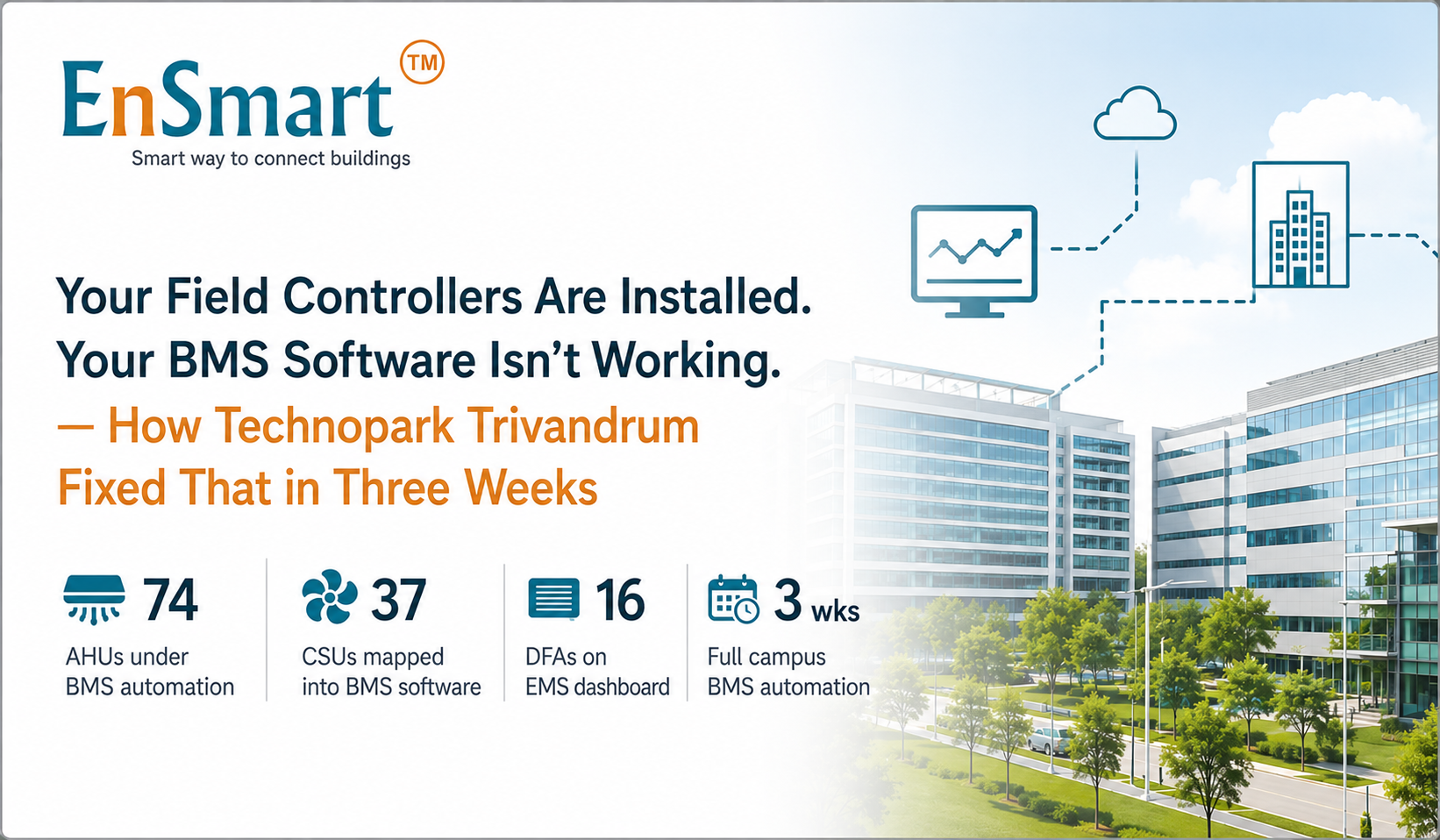
At Technopark Trivandrum, the field controllers and I/O modules across the campus were already installed and running — 74 AHUs, 37 CSUs, 16 DFAs. But the BMS software and EMS layer above them had quietly stopped delivering. No live graphics. No BMS automation. No scheduling. No connection to tenant billing. EnSmart rebuilt the BMS software and EMS layer on top of the existing hardware — campus-wide — in three weeks.
The problem: a campus running with no BMS automation or EMS visibility
Human analogy: Imagine a large hospital where every department — pharmacy, wards, ICU — has its own working equipment, its own staff, its own routine. But the central nursing station has a broken intercom and an outdated whiteboard. The head nurse cannot see what's happening on any floor without physically walking there. That is exactly what Rahul, the BMS operator at Technopark, faced every single morning — a fully equipped campus with no working BMS automation or EMS layer above it.
At Technopark Trivandrum, the field controllers and I/O modules across the campus were fully installed and operational. AHU-74 was running. CSU-37 was running. DFA-16 was running. The hardware was never the problem.
The problem was the BMS software and EMS layer sitting above all of it. It had quietly stopped cooperating — no dramatic failure, just data gaps, no live graphics, and no BMS automation that could let Rahul see the campus without walking it floor by floor, building by building.
His job title said BMS Operator. His actual job was walking the campus to find out what BMS automation should have been telling him.
Installed hardware is not the same as a managed campus. Controllers run equipment. BMS software and EMS run the building.
Why working controllers are not enough — the BMS automation and EMS gap
This is one of the most overlooked problems in large multi-tenant campuses across India. The field controllers are installed. The I/O modules are wired. Everything at the device level is functioning. But device-level operation is not BMS automation, and it is not an EMS.
A working BMS software layer with proper EMS integration means the operator can see the entire campus from one screen, schedules run without manual intervention through automated EMS logic, and tenant billing reflects actual metered consumption — not estimates.
Without BMS automation and an EMS layer that actually delivered on these promises, Technopark had five critical blind spots:
- No live graphical visibility — Rahul had no BMS software dashboard showing AHU, CSU, or DFA status across zones without walking the building floor by floor
- No EMS-based scheduling — AHUs ran on manual overrides or fixed timers, consuming energy through the night even when floors were empty
- No reliable data — the existing BMS software had data gaps, making trends and fault diagnosis unreliable
- No connection to tenant billing — BMS automation and tenant billing lived in separate, disconnected tools
- Estimated tenant bills — energy charges were based on averages, not actual EMS-metered consumption, leading to disputes
Is your campus running on hardware that works but BMS software and EMS that don't deliver? EnSmart reviews your existing setup and rebuilds the BMS automation layer — without replacing your controllers.
Book a free site assessment →The BMS automation approach: one platform, no rip-and-replace
Human analogy: Think of upgrading a building's operating system without touching the wiring, the elevators, or the plumbing. Everything physical stays exactly where it is. What changes is the BMS software and EMS dashboard the building runs from — suddenly every system speaks to every other system, and one person can see and manage all of it.
EnSmart did not replace a single field controller or I/O module at Technopark. The existing hardware across all 74 AHUs, 37 CSUs, and 16 DFAs stayed exactly where it was, doing exactly what it was wired to do.
EnSmart's engineers mapped every existing field point into the EnSmart BMS software platform using open protocols, then built custom BMS automation graphics designed specifically around Technopark's actual floor plans and zone layout — not a generic template. On top of that, EnSmart deployed its EMS-driven Tenant Billing Software inside the same platform, so BMS automation and tenant billing finally live in one place, under one login.
One platform. Complete picture. Custom graphics, EMS-based scheduling, and tenant billing — all delivered as part of a single BMS automation layer on top of the existing campus infrastructure.
How the BMS automation was delivered: three weeks, full campus, zero hardware spend
| Phase | What happened |
|---|---|
| Week 1 | Site audit and I/O mapping. EnSmart engineers reviewed the installed controllers and mapped all existing field points — every AHU, CSU, and DFA — into the EnSmart BMS software platform using open protocols. |
| Week 2 | Custom BMS automation graphics built to match Technopark's actual floor plans, zone by zone. BMS software went live across the campus. EMS-driven Tenant Billing Software configured, with energy metering and billing logic assigned and tested per tenant zone. |
| Week 3 | EMS-based AHU schedules programmed and verified across all zones — tied to occupancy hours, shifts, weekends, and holidays. Full handover and training with Rahul and the facility team. BMS automation running independently by end of week. |
The reason this campus-wide BMS automation deployment was achievable in three weeks is sequencing. Mapping came first — every field point identified before a single graphic was built. BMS software graphics went live in week two, in parallel with EMS and tenant billing setup. EMS-based scheduling came last, once the BMS software platform was already showing live, accurate data. By week three, training was the only thing left.
What changed after BMS automation go-live
Rahul still walks into Technopark every morning. His job changed, not his role. Before BMS automation: his job was walking the campus to find out what was running. After: his job is opening one BMS software dashboard. The EnSmart EMS-integrated platform shows him the whole campus. He applies judgment when judgment is genuinely needed.
- All 74 AHUs, 37 CSUs, and 16 DFAs visible on one live BMS software dashboard — no floor-by-floor walkthroughs required
- AHUs follow EMS-based programmed schedules tied to occupancy — no manual overrides, no equipment running overnight on empty floors
- Tenant energy billing now comes directly from EMS-metered data inside the Tenant Billing Software — numbers are real and auditable
- BMS automation and tenant billing live in one platform, under one login — no switching between disconnected tools
- Zero new hardware spend — the existing field controllers and I/O modules continue doing the work; EnSmart added the BMS automation and EMS intelligence layer on top
Want to see what EnSmart's BMS automation, EMS, and Tenant Billing platform looks like for a campus your size? Our engineers respond within 24 hours.
Get a demo →Who this BMS automation case study is for
If you manage an IT park, SEZ, multi-tenant commercial campus, large office complex, or institutional building in India where field controllers are installed but BMS automation and EMS aren't delivering — this project is a direct reference. The EnSmart approach used at Technopark applies to any campus where hardware is working but BMS software visibility, EMS scheduling, and tenant billing are not.
The question is not whether your existing controllers can be brought into a working BMS automation platform — they almost always can. The question is whether your current BMS software and EMS setup is actually giving your operator and your tenants what they need. If not, the gap can be closed — without replacing your existing hardware, and faster than you expect.
Frequently asked questions — BMS automation, BMS software, and EMS for multi-tenant campuses
Does EnSmart replace existing field controllers and I/O modules when adding BMS automation?
No. At Technopark, all existing field controllers and I/O modules across 74 AHUs, 37 CSUs, and 16 DFAs were retained exactly as installed. EnSmart mapped every existing field point into its BMS software platform using open protocols and built the BMS automation, EMS, graphics, scheduling, and billing layer on top — without replacing or disturbing any hardware.
Can EnSmart's BMS software handle EMS scheduling and tenant billing together?
Yes. EnSmart's EMS-driven Tenant Billing Software runs inside the same BMS software platform — not as a separate tool or login. At Technopark, this meant tenant energy billing now comes directly from the same EMS-metered data the facility team uses for BMS automation and monitoring, eliminating disputes caused by estimated billing.
Does EnSmart build custom BMS automation graphics for each campus, or use a generic template?
Custom graphics for each campus. At Technopark, EnSmart built BMS software screens that match the actual floor plans and zone layout of the campus — zone by zone, floor by floor — so the operator sees the building the way they already think about it, not a generic representation.
How fast can EnSmart deliver campus-wide BMS automation and EMS?
At Technopark Trivandrum — 74 AHUs, 37 CSUs, and 16 DFAs across a full campus — EnSmart delivered site audit, I/O mapping, custom BMS automation graphics, BMS software go-live, EMS-driven Tenant Billing Software configuration, and EMS-based AHU scheduling in three weeks. Timelines vary with campus size and IO count, but EnSmart's mapping-first approach keeps on-site disruption minimal.
What does EMS-based AHU scheduling actually change on a multi-tenant campus?
EMS-based AHU scheduling, delivered through BMS automation, ties equipment operation to occupancy hours, shift timings, weekends, and holidays. At Technopark, this meant AHUs that previously ran on manual overrides or fixed timers — including overnight on empty floors — now switch on when tenants arrive and switch off when the last person leaves, without anyone needing to remember to do it.
Is BMS automation with EMS relevant for IT parks and SEZs with multiple tenants?
Yes — and Technopark is the proof. Multi-tenant campuses have the added complexity of per-tenant billing on top of standard BMS automation requirements. EnSmart's combined BMS software, EMS, and Tenant Billing platform is built specifically for this — one system that gives the facility team operational visibility through BMS automation and gives tenants accurate, EMS-metered billing, without coordinating between separate vendors.
Is your campus running on hardware that works but BMS automation and EMS that don't?
Tell us your campus size, existing controller setup, and number of tenants.
An EnSmart engineer will assess your setup and deliver a BMS automation and EMS integration plan within 24 hours — no sales call, just engineering.